Turn an existing multi-user spreadsheet into a secure, web-based business spreadsheet in three simple steps.

SecureSheet is a shared, online spreadsheet designed specifically for business use -
for any size organization.

Sample Uses by Different Departments

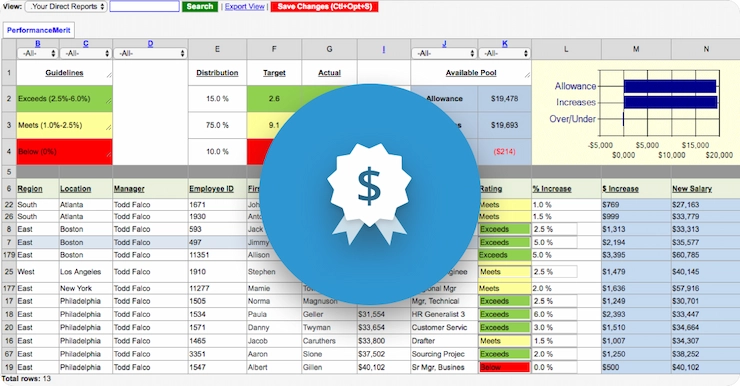
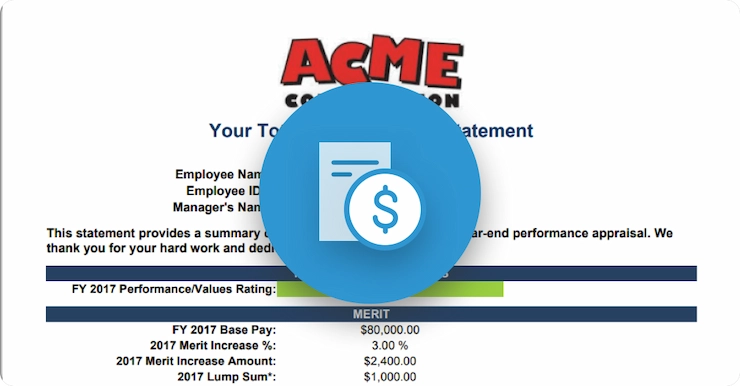
HR - annual performance and merit process.
Sales - lead tracking and pipeline reporting.
Payroll - pay period collection-of-time information.
Finance - budget versus actual metrics from multiple locations.
Purchasing - rebate and promotion tracking from suppliers.
Inventory - vendor managed inventory.
Supply Chain - collaborative planning with suppliers and customers.

Step 1. Upload your spreadsheet.

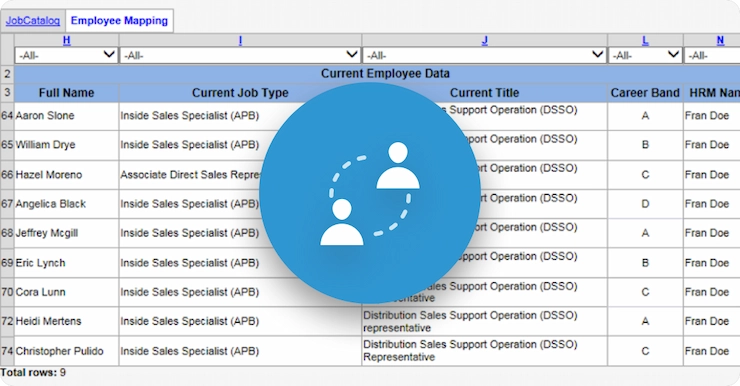
Upload an existing Excel spreadsheet you want to turn into a secure, multi-user spreadsheet. Your spreadsheet is automatically imported with all sheets, formats, formulas, etc. in place.

Upload an existing Excel spreadsheet you want to turn into a secure, multi-user spreadsheet.
Step 2. Customize your spreadsheet.

You can now add Business Views to the SecureSheet to control what users can see, add, delete, or edit within the sheet. You can even allow different users to see different data in the same, spreadsheet.

You can now add Business Views to the SecureSheet to control what users can see, add, delete, or edit within the sheet.


In this example, Finance sees what they are responsible for:

In this example, Finance sees what they are responsible for.


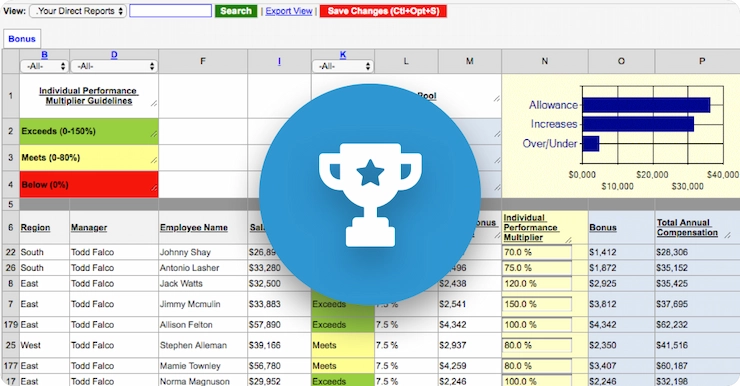
And Operations manages their data:

In this example, Operations manages their data.
Step 3. Share your spreadsheet.

Add Business Security by sharing your multi-user spreadsheet with selected users. Simply enter their email addresses and assign them to the worksheets they may access. You control exactly which parts of the sheet each user is allowed to see or update - right down to cell level. No other set up is required.

Add Business Security by sharing your multi-user spreadsheet with selected users.


The end result:
  • One single, centralized, shared spreadsheet that manages your whole process.
  • All access is through a secured web site, so your spreadsheets are available anywhere team members have access to a web browser.
  • All business controls and security are enforced in the SecureSheet.
  • All updates and reviews are in real-time so everyone works on the latest version.
  • The overall implementation takes days instead of weeks.

Ready to get started?

Complete a brief free trial form and you can get going immediately.
Turn an existing Excel spreadsheet into a secure, multi-user, web-based business spreadsheet right now.

Compare Spreadsheets

Compare to other spreadsheets.

If you're accustomed to Excel - imagine features like user-defined data security and the ability to accommodate thousands of users, you'll be hard-pressed to find a better web-based spreadsheet for your business.

Check out our news and recent events.

January 20, 2012
20/20 Image Eye Centers Focus on Customer Service with SecureSheet

December 1, 2011
CIO Blogger Mark Gibbs, "SecureSheet: Turning Boring Spreadsheets into Hot Business Apps"

November 8, 2011
Kirby-Smith Delivers Up-To-The-Minute Inventory on Smart Phones with SecureSheet

October 24, 2011
Network World IT Best Practices Alert: “SecureSheet is a handy tool to turn that spreadsheet into a Web-based multi-user application with field-level access security.”

September 1, 2011
SecureSheet To Exhibit At 14th Annual HR Technology Conference & Expo

July 5, 2011
SecureSheet Now Supports Android

May 17, 2011
SecureSheet Aids Central Valley Hospitalists Collect Patient Status And Billing Data

March 31, 2011
SecureSheet Introduces Secured View Web Integration APIs

January 30, 2011
SecureSheet Adds Google Chrome Support

December 14, 2010
SecureSheet Helps CN Manage Technology Disaster Readiness Planning

See more news articles »

SecureSheet QuickStart -
the best value in software.

Often our customers need assistance in getting their projects implemented quickly. They may not realize the full potential of business spreadsheets, or they may not have the time to put effective business processes together. QuickStart gets them up and running fast.

Learn more about QuickStart »

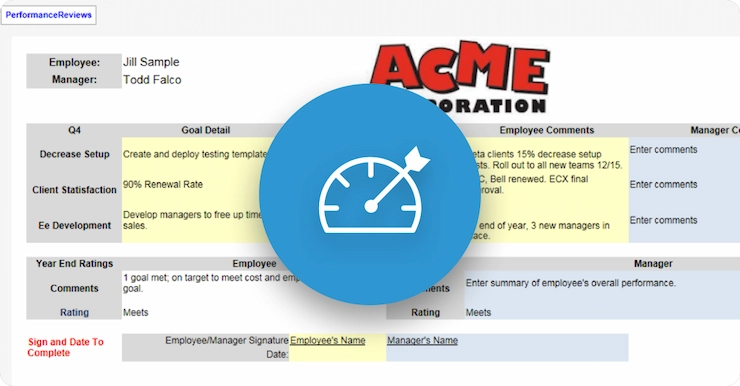
Performance and merit business process using SecureSheet.

Miracle Gro

Learn how the Scotts Miracle-Gro company utilized SecureSheet business spreadsheets and improved ROI.

Continue reading »