

SecureSheet is the best system ever! The “custom views” and ability to customize security access by user is incredible, and perfect for our complex organization.
Testimonial
Leading US Construction Company
SecureSheet is easily tailored to be your merit, bonus, and incentive compensation management software for all your compensation plans. We start with your spreadsheet and then add extra security, privacy and reporting features to improve your entire compensation planning process from beginning to end. Our cloud based secure spreadsheet software is accessible from anywhere users have access to a web browser.
SecureSheet can handle your entire compensation planning process from beginning to end using one centralized shared spreadsheet. Your merit, bonus, and incentive review process can go from weeks to days! Our secure multi-user spreadsheet utilizes all the features of your current custom spreadsheet with added security, control and reporting features. Our secure compensation planning software can help you take control of your data and reduce errors. We created a global HRIS management solution that is real-time, scalable, and easily accounts for any data changes (like terminations, new hires, etc.) throughout your compensation planning process. Our cloud based spreadsheet software will improve the efficiency of data input and collection, personalized statement production, and back-end and management reporting.
Securesheet’s top features can be summed up as a secure online spreadsheet with multinational capabilities to be your global HRIS solution.
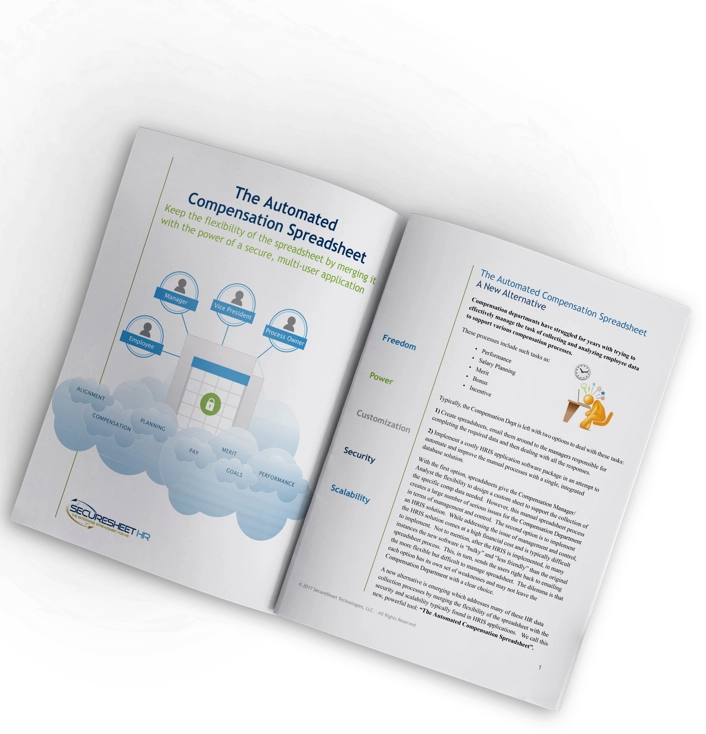
Imagine features like user-defined data security and the ability to accommodate thousands of users. If you are accustomed to your salary planning spreadsheet, you’ll be hard-pressed to find a better cloud based spreadsheet software for your business.
SecureSheet is the absolute best HR tool I’ve ever used. Even if we had a perfect system solution, nothing could beat the flexibility and “on the fly” capabilities.

SecureSheet has tremendously improved the end-user experience. Changes can be made almost instantaneously. SecureSheet is very user-friendly, for managers to CEOs. The support we receive from the SecureSheet team is outstanding. The team is very responsive. SecureSheet has vastly improved our Merit Planning process.
Up and running in two weeks. System totally rocked! Could not have been happier with support provided—excellent!








See why so many others chose us for their compensation management software.