

Easily Convert Your Existing Compensation Spreadsheet
Using SecureSheet is easy and will convert your existing compensation spreadsheet data in 3 easy steps:
Using SecureSheet is easy and will convert your existing compensation spreadsheet data in 3 easy steps:
Easily share one compensation tool spreadsheet with your entire team. Control which users get to see which data. It’s all done securely online – so everyone is working with the latest version in real-time. Finally, put an end to your organization’s spreadsheet nightmares!
This example video demonstrates a typical year-end compensation process. A spreadsheet project that used to take months to complete can now be done in hours with SecureSheet!
HR departments and management use SecureSheet compensation software for various processes and reporting. Providing the best HRIS cloud solutions, the compensation tool is easy to use and the process is simple.
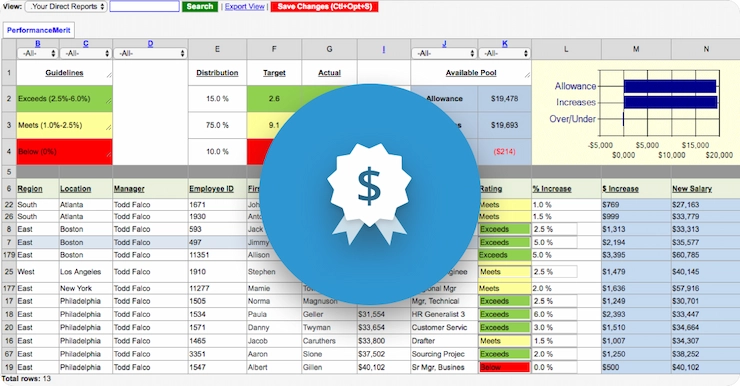
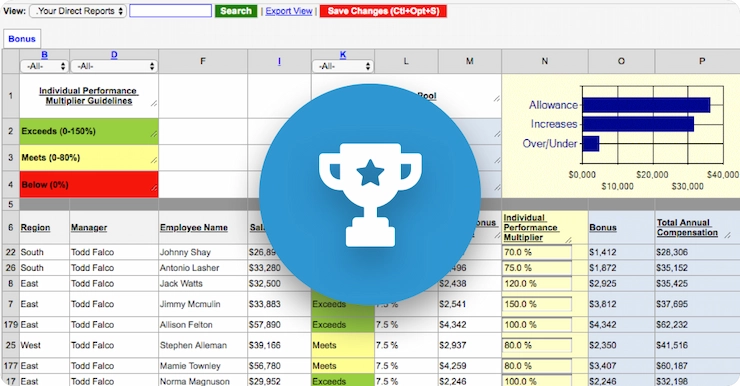
Upload your compensation, incentive, or bonus spreadsheet without losing valuable formulas. Then assign proper views and access. Finally, share spreadsheets with an email.
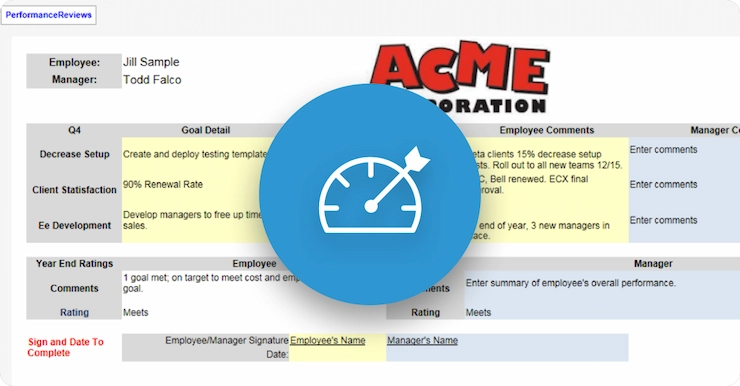
SecureSheet looks and acts like a spreadsheet, making adoption easy and intuitive, but has added security and privacy controls to meet your organization’s business needs. It is a web based spreadsheet with multi-user capabilities, allowing thousands of users on one SecureSheet at the same time.
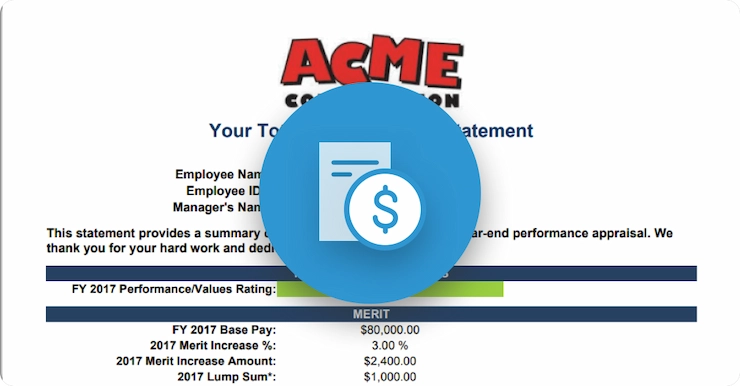
All data is updated in real-time, with data validation, proper security and audit controls, and tracking at the cell level. Reporting on the backend to employees, management, your payroll and or HRIS systems is a breeze. Control the process, instead of the process controlling you.
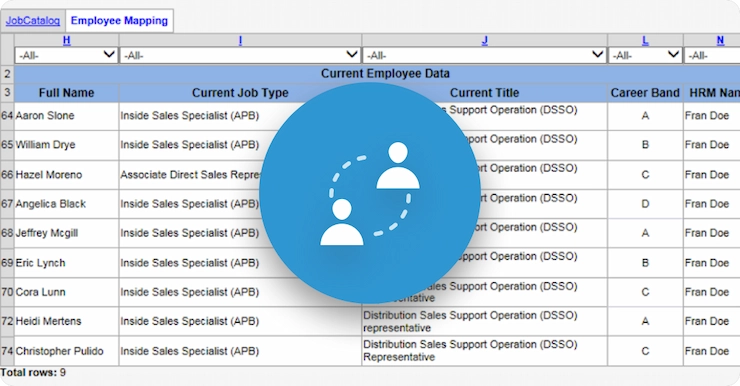
Converting to new systems requires custom mapping of employees from old codes and descriptions to new ones. SecureSheet automates and simplifies the process, and ensures that all employees map appropriately.
See why so many others choose us as their web-based spreadsheet.